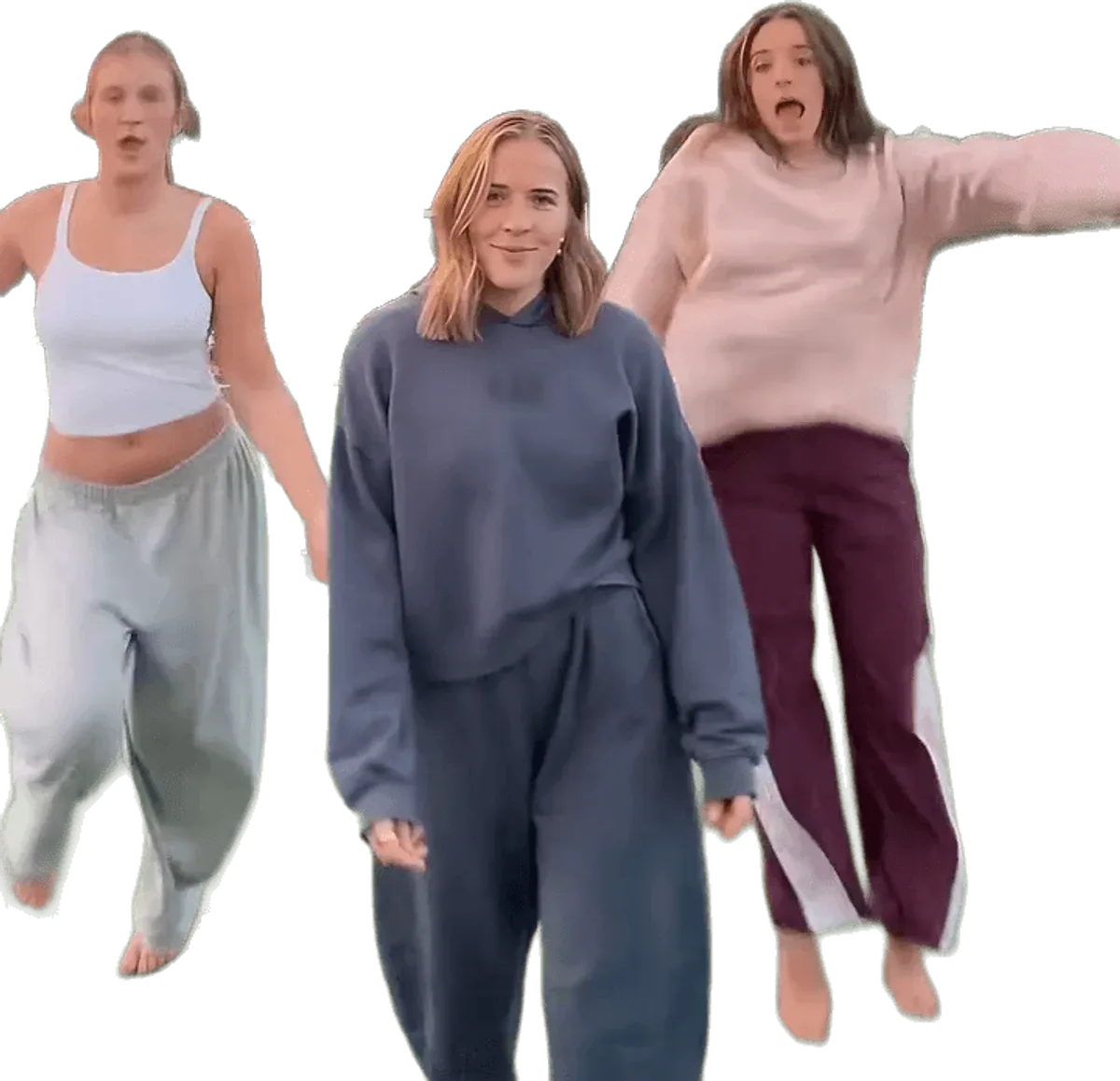
The most common Chipmunks dance AI fails are a face that drifts on the spin, two dancers who look alike, a group photo that mixes faces, an original dancer who stays in the clip, the wrong outfit, blur in the dark scenes, sunglasses that confuse the face, sound that changes on upload and a render that fails. On Chipmunks Dance Trend every fix is a change to the input: another photo, one person per photo, another dance, a higher model tier or a retry. A failed render returns its credits automatically.
Key takeaways
- There is no prompt box on Chipmunks Dance Trend, so the levers are the photo, the number of photos, the dance, the tier and a retry.
- A sharp, front-facing photo of one person fixes more problems than any other change, and it costs nothing.
- The routine has spins and back-turned seconds, so a face can drift for a moment even with good photos. Likeness is never guaranteed.
- Dark dances such as Night Street and Living Room Glow are harder than bright ones such as Bright Hallway and Sunny Park.
- At 720p, Standard costs 10 credits, Fast 17, Pro 20 and Ultra 37. Failed renders return their credits; completed ones are not refunded.
- The site is independent and unofficial, for adults only, with no celebrity photos and no cartoon chipmunks.
To start over with better photos, open the generator. To see why the dance behaves this way, read why a pasted prompt fails on the Chipmunks dance.
Which fix should you try first?
Change the photo first, because the photo decides most of the result and swapping it costs nothing until you render again. Only after the photos are sharp and the problem still shows is it worth moving to another dance or a higher tier.
Here is the order that makes sense for almost every fail below:
- Check the photo. One person, face clearly visible, looking roughly at the camera, no heavy filter, no sunglasses, not tiny in the frame.
- Check the number of people per photo. One person per photo. A group photo causes more mix-ups than any model weakness.
- Try another dance. Some scenes suit some photos better. Browse the dances.
- Try a higher tier. Standard is the default and the cheapest; Fast, Pro and Ultra generally hold faces and fast motion more closely.
- Retry. The same photos can give a different result, because the video models vary from run to run.
What you cannot do is type a fix. There is nothing to add to a text box, and a line of text could not tell the model which of three faces to protect anyway.
The renders run on ByteDance Seedance models. A short dance with three people, spins and swaps is among the hardest things to ask of them, so an occasional miss is normal and not a sign that you did anything wrong.
What this section proved: the fix list is short and always about inputs. What it left open: which fail needs which lever.
Which fails involve faces and identity?
Four fails come from how the model holds on to who is who: the drift on the spin, two dancers who look alike, a group photo that mixes faces and an original dancer who stays. They share one root cause, which is that three identities have to be kept apart for 11 to 15 seconds.
1. Why does my face drift on the spin?
Around the third beat the trio turns its back, spins and drops. For a second or two the model cannot see faces, and when they come back it rebuilds them. On Chipmunks Dance Trend your face may shift slightly in that moment and then settle. This is the most common fail and it is not a mistake in your upload.
Fixes, in order: use a sharper, closer, front-facing photo; try a photo with even light and no hair across the face; try a brighter dance; move up a tier; retry. A higher tier is the lever most likely to help, because it generally holds faces through fast motion more closely.
2. Why do two dancers look alike?
When two of the three photos look similar, or when a stand-in dances beside a real face, the model can pull the faces toward a shared average. The result looks like siblings.
Fix it with photos that differ clearly: different angles, hair and lighting, each showing one person. If you used one photo, remember that the two side dancers are AI stand-ins who look like nobody you know; they are not meant to match you. Retrying often separates the faces, and a higher tier tends to keep them apart more reliably.
3. Why does a group photo mix up the faces?
A photo with several people asks one image to supply more than one identity. The model has to guess which face goes to which slot, and it may blend them or give your face to the wrong dancer.
Use one person per photo. If the only picture of a friend is a group shot, crop it so that only their face and shoulders remain. Photo 1 is the middle dancer, photo 2 the left and photo 3 the right, so put the people in the order you want them. All photos must show adults who have agreed to be in the video.
4. Why does an original dancer from the viral clip stay in?
Each dance is built on a real viral clip, and the model swaps the people in it. Occasionally a trace of an original dancer can remain, such as a leftover hairstyle or outfit on a side dancer. A clear photo for every spot gives the model less reason to hold on to the source.
Fix it with another dance, a clearer photo for the affected spot, a higher tier or a retry. If you used one photo, the side dancers are generated stand-ins, so a resemblance there is a quirk of the generation, not something you can switch off.
What these four proved: every identity fail is solved at the photo or the tier. What they left open: looks, light and clothes.
Which fails involve outfit, light and accessories?
Three fails are about what the video looks like: the wrong outfit, blur in the dark scenes and sunglasses that confuse the face. They are problems of what the photo shows and which dance you picked.
5. Why is the outfit wrong?
On Chipmunks Dance Trend you dance in the clothes from your photos. If the photo is a tight crop of your face, the model has to fill in the rest of your outfit, and what it fills in may not be what you were wearing.
Fix it with a photo that shows what you want to wear, ideally from the waist up or full length. Pick a dance whose clothes suit your photo: Sunset Court was danced in sweatshirts and joggers, and Night Street in hoodies. A retry can also change how the outfit is carried across.
6. Why does the dark scene look blurry?
Night Street (15 seconds) and Living Room Glow (14 seconds) have dim light by design, one on a street at night and one in a warm lamp-lit room. Fast spins in low light are harder for any video model, so detail and edges soften.
Fix it by choosing a bright dance such as Bright Hallway, White Studio or Sunny Park, by using a well lit, sharp photo, or by moving up a tier. Resolution matters too: 720p is the default, and Pro and Ultra also offer 1080p. A higher resolution costs more credits, so try a better photo before paying for it.
7. Why do sunglasses and hats cause problems?
Sunglasses, heavy hats and masks hide the features the model uses to hold a face. Through a spin, the model may drop the glasses, change them or swap in a different face.
Fix it with a photo where the eyes and the face are clear. If the look matters to you, expect that it may not survive the spin, and be ready to retry or to try another tier.
What these three proved: the photo and the dance together decide the look. What they left open: problems after the render.
Which fails happen after the render?
Two fails happen around the video rather than inside it: the sound changing when you post, and a render that fails. They have different fixes, one outside the site and one inside.
8. Why does the sound change or disappear when I upload?
The video models render silent clips, and Chipmunks Dance Trend mixes the trend sound in afterwards, so the downloaded MP4 has the audio. The sound is a sped-up edit of a commercial song, You Spin Me Round (Like a Record), and platforms treat recognised music in their own way. TikTok, Instagram and YouTube may mute, limit or replace it.
There is no switch to fix that on the site. Watch your post once it has processed. If the sound is muted, you can add a track from the platform's own library instead. The posting guide covers it in more detail.
9. What if the render failed?
If a render fails, Chipmunks Dance Trend returns the credits automatically, so nothing is lost. You do not need to contact anyone first. Try again, and if the same photos fail twice, try a different photo, a different dance or a different tier.
Know what is and is not refunded. A render that completes uses its credits even if you do not like the result, and credit packs are not refundable. That is why it pays to fix the photo before the second render instead of retrying blindly. The default Standard video costs 10 credits, and the Single pack is $6.99 for 10 credits; see the pricing page.
What these two proved: sound problems are a platform matter, and failed renders cost nothing. What they left open: when a higher tier is worth it.
When is a higher model tier worth it?
A higher tier is worth it when the photos are already good and the fail is in the motion: a face that drifts on every attempt, hair that smears, a swap where faces blend. It is not worth it for a bad photo, because the model cannot add a face that the photo does not show.
The tiers at 720p are Standard (Seedance 2.0 Mini) at 10 credits, Fast (Seedance 2.0 Fast) at 17, Pro (Seedance 2.0) at 20 and Ultra (Seedance 2.5) at 37. At 480p they cost 5, 8, 10 and 17. Pro offers 1080p at 50 credits and Ultra at 93. Using 1, 2 or 3 photos does not change the price.
A sensible route: render once at Standard with your best photos. If only the spin is off, retry once. If it persists, try Fast or Pro. Reserve Ultra for a version you want to post widely. A higher tier improves the odds and does not guarantee a perfect likeness.
For the whole process, read how to make the Chipmunks dance video.
Chipmunks Dance Trend is independent and unofficial, and is not affiliated with TikTok, Dead or Alive, Alvin and the Chipmunks or ByteDance. Photos must be of adults, never celebrities, and are kept for at most 24 hours.
What this section proved: tiers fix motion, not missing information. What it left open: nothing; the questions below cover the rest.
Frequently asked questions
Should I change the photo or render again first?
Change the photo first when the face is wrong, because the photo decides most of the result. Chipmunks Dance Trend has no prompt box, so a better photo is the strongest fix. Render again first only when the photos are already sharp and the flaw looks random, such as a single odd frame.
Do I get my credits back if a render fails?
Yes, a failed render returns its credits automatically. Chipmunks Dance Trend does not refund renders that complete, and credit packs are not refundable, but credits do not expire. If the same photos fail twice, change the photo, the dance or the tier before trying again.
Why does my face change during the spin?
The spin is the moment the dancers turn away, so the model rebuilds faces afterwards and a face can drift for a second. Chipmunks Dance Trend cannot guarantee likeness. A sharper front-facing photo, one person per photo, a brighter dance, a higher tier or a retry usually reduces it.
Does adding more photos cost more?
No, 1, 2 and 3 photos cost the same on Chipmunks Dance Trend. Cost depends on the model tier and resolution only, with Standard at 720p costing 10 credits. With one photo, two AI stand-ins dance the side spots, so adding friends is free but needs their agreement.
Why is the dark dance blurrier than the bright ones?
Dim light and fast spins are hard for video models, so Night Street and Living Room Glow soften detail more than Bright Hallway or Sunny Park. Chipmunks Dance Trend suggests a brighter dance, a sharper photo or a higher tier. Pro and Ultra also offer 1080p at higher credit costs.