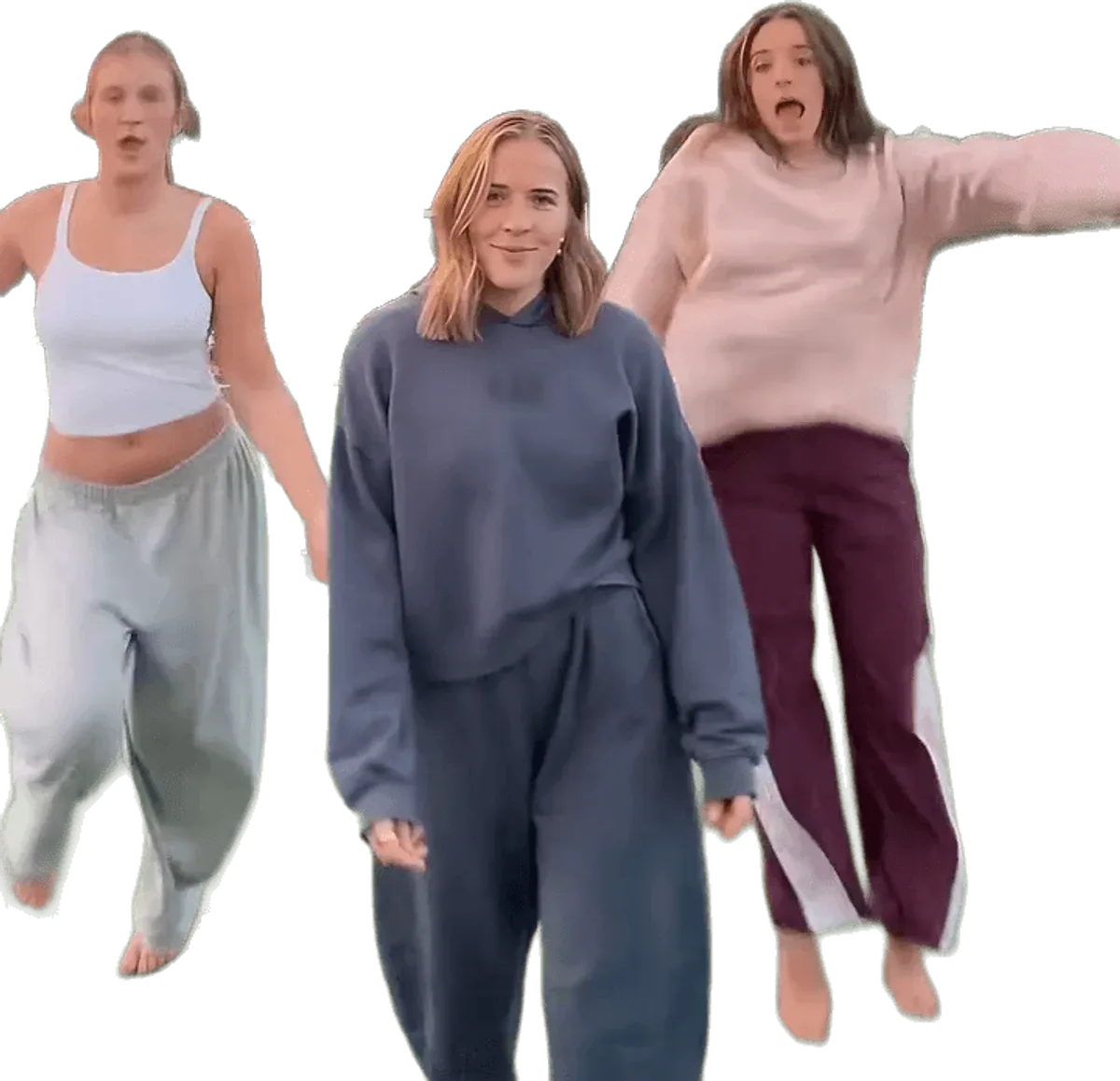
Is there a chipmunks dance filter?
There is no official TikTok filter for the chipmunks dance, and no single in-app filter produces the trio video. The clips you see are filmed by real groups, and CapCut has templates that animate photos with mixed results. A generator that re-makes the routine with your faces is the closest thing to one tap. Make yours from 1 to 3 photos.
App by app
| App | Filter or template? | What you get |
|---|---|---|
| TikTok | No official filter | Real clips from friends and the sped-up sound as a user-uploaded original sound |
| CapCut | Templates exist | Still photos animated into a dance; the motion is generic and results are mixed |
| Not confirmed | Nothing verified | |
| Snapchat | Not confirmed | No filter found that places you in the trio dance |
Why a filter does not fit this dance
A typical filter works on one face in front of the camera. This trend has three bodies in a row, a turn to face away from the lens, spins, a drop into a wide stance, place swaps and a run at the camera. A filter would have to keep three people and their positions on screen at once while they move fast. That is closer to making a short video than to adding an effect.
What the CapCut templates do
CapCut templates take your still photos and give them movement, usually a zoom, a bounce or a loose dance. They are quick to use. The catch is that the movement is not the real routine. The faces can look stiff, the swaps are missing, and nothing is in sync with the five moves of the original: the line-up sway, the arm snaps, the spin and drop, the place swap and the run at the lens.
What this tool does instead
Chipmunks Dance Trend does not overlay an effect on your photo. It takes a real viral version of the dance, keeps the place, light, camera and timing, and puts the people from your photos in place of the original three. Photo 1 is you, in the middle. Photos 2 and 3 are optional friends for the left and right, and any empty side is danced by an AI stand-in. You choose from 6 versions: Sunset Court, White Studio, Bright Hallway, Living Room Glow, Night Street, Sunny Park.
The result is an MP4 of 11 to 15 seconds with the trend sound mixed in and no watermark. It is not free, because each video is rendered by an AI video model, and likeness is not guaranteed: in the back-turned seconds a face can drift. You stay yourself, in your own clothes, with no cartoon ears or costumes.
Filter, template or generator: how to choose
- You have two friends and a free afternoon. Film it yourselves. It is the original method and it costs nothing, though getting three people in sync takes several takes.
- You want a quick, loose animation of a photo. A CapCut template is the fast route, and you accept generic motion.
- You want the real routine, the real place and your own faces. That is what a generator is for, and it is the only one of the three that is paid per video.
Whichever route you take, label the result honestly. A video made by an AI model should carry the AI-generated label when you post it, and everyone in it should be an adult who agreed to appear.
Where to go next
To see the four steps, read how to make the video. To understand what a pasted instruction would have to do, see the prompt page. For background on the song and the moves, read the trend explained.