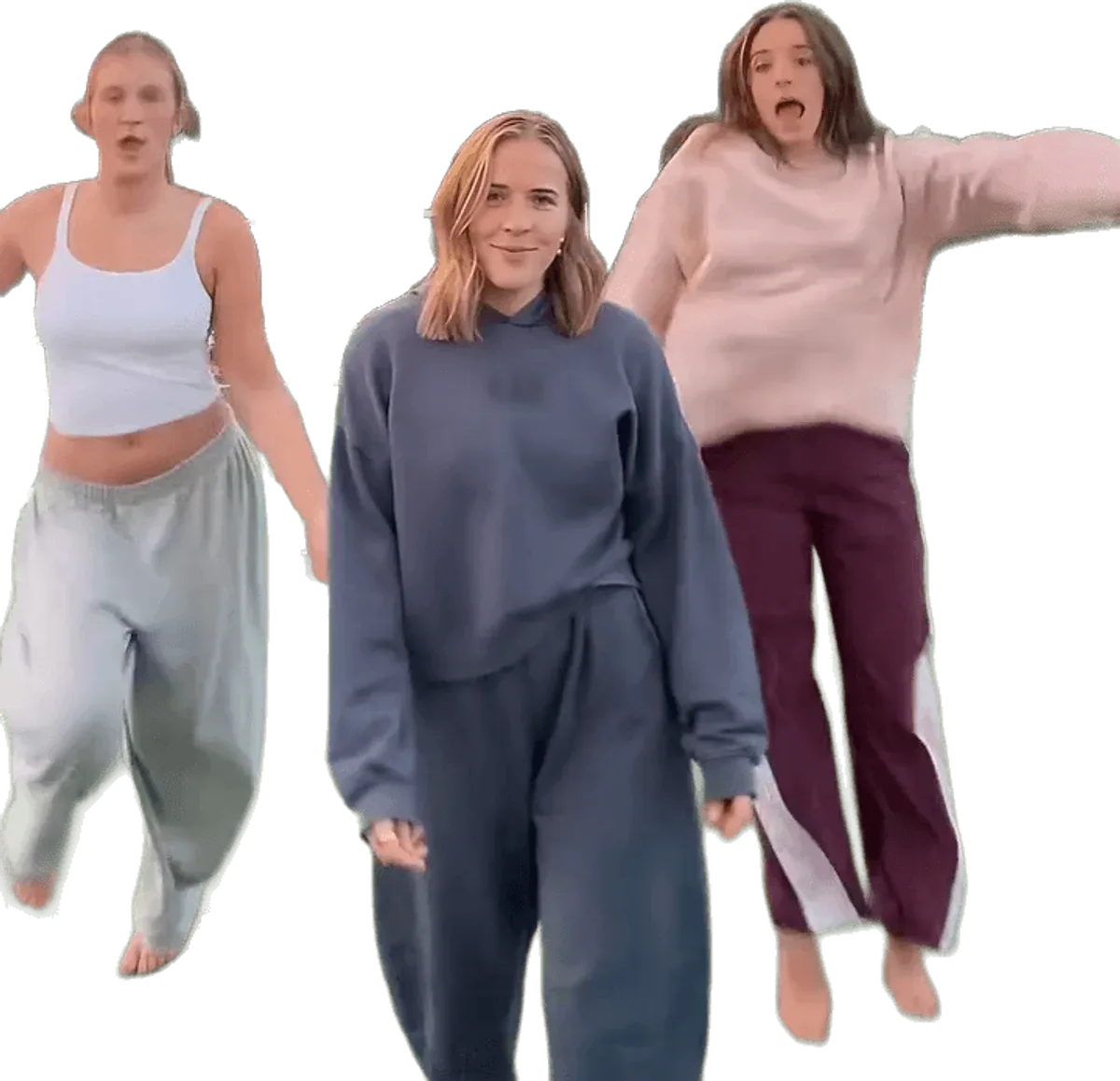
To make the chipmunks dance video, add 1 to 3 photos to Chipmunks Dance Trend, pick one of 6 viral dances, choose a format and press Generate. You get an MP4 of 11 to 15 seconds with the trend sound already in. There is no prompt to write and nothing to edit. Open the generator.
Four steps
1. Add 1 to 3 photos
Photo 1 is you, and you dance in the middle. Photos 2 and 3 are optional: a friend for the left spot, a friend for the right. One person per photo. Using 1, 2 or 3 photos costs the same, so the only reason to leave a spot empty is that nobody is around. Empty spots are danced by AI stand-ins.
2. Pick the dance
Each of the 6 dances is a real viral version of the trend: Sunset Court, White Studio, Bright Hallway, Living Room Glow, Night Street, Sunny Park. The place, the light, the camera and the timing stay as they were filmed. Only the three dancers change.
3. Choose the model and the format, then generate
The default is the Standard tier, which is ByteDance Seedance 2.0 Mini, and it is a good place to start. Higher tiers cost more credits. Pick 9:16 for TikTok, Reels and Shorts, 1:1 for a square post or 16:9 for a wide one. Then press Generate. You do not type a prompt: the instructions for each dance are built in.
4. Download and post
The MP4 has no watermark and the trend sound is already mixed in. Download it within 24 hours of the render, then post it.
This site vs doing it yourself
Making this dance with a general AI video tool is not a one-step job. You need the right footage to work from, an account with a paid tool, a long set of instructions for each of the three dancers and several paid attempts, because the first results are rarely usable. The problems below are the usual reasons they are not.
| Chipmunks Dance Trend | Doing it yourself | |
|---|---|---|
| What you supply | 1 to 3 photos | Photos, reference footage, instructions and settings |
| Writing instructions | None, built in per dance | Long, tuned by trial and error |
| Number of dancers | Three, by position | Often two or four, or an original dancer stays in |
| Faces during spins | Handled per dance, drift still possible | Faces often change after the first turn |
| Place, camera and timing | Kept from the viral clip | Often drift away from the original |
| Sound | Trend sound mixed in | Added separately |
| Cost of a failed attempt | Failed renders return their credits | Paid for, usually |
None of this is exotic. It is simply many small things that all have to go right at once, which is what the built-in dances are for. If you want the longer explanation, the prompt page covers what has to go right without handing you text to paste. There are no refunds on credit packs, but a failed render gives its credits back automatically.
Photo tips that change the result
- One person per photo. A group photo mixes faces. Give each friend their own photo.
- Face and upper body clear. The dancers spin and turn their backs, so show your hair and shoulders as well as your face.
- Even light, no sunglasses. The closest likeness comes from a sharp, front-facing photo without heavy filters.
- Wear what you want to dance in. The outfit in the photo is the outfit in the video.
- Likeness is not guaranteed. In the seconds when the dancers face away, a face can drift for a moment.
Posting it
Use 9:16 for TikTok, Reels and Shorts. The video is AI-generated, so turn on the AI-generated label in the app you post to. Only upload photos of adults who agreed to be in it, and do not use celebrities. Uploaded photos are deleted within 24 hours. See pricing for credits, which never expire.